v2.5.0 — New Release · Secure Rotation · Mobile Overhaul

Send Files at
LAN Speed.
No Cloud. No Accounts.

Cross-platform desktop file transfer built with Go + Svelte + Wails. Scan a QR code, drop files, done — zero cloud, zero accounts, zero internet. ✦ v2.5.0: token auto-rotation, 30-min big-file tokens & revamped mobile UI — see what's new.

Download Free Star on GitHub
bash — beamsync
yay -S beamsync-bin :: Resolving dependencies... ✓ BeamSync v2.5.0 — ready. Run: beamsync hint: phone needs no app — just scan QR
Arch Linux · AUR · beamsync-bin v2.5.0
0 Cloud Zero Cloud Infrastructure
100% LAN Stay Fully Offline
0 Accounts No Sign-Up Required
1 QR To Connect Any Device

BeamSync v2.5.0
is Live.

Secure token rotation, big-file stability, and a complete mobile overhaul — the most polished BeamSync yet.

v2.5.0 Latest Release
Secure Token Rotation & Big-File Stability QR credentials auto-rotate every ~4.5 min — desktop QR/URL refreshes instantly via url_changed / token_rotated events. No manual refresh. Previous QRs revoked immediately.
View Release →
Security

🔐 Secure Token Rotation & Big-File Stability

QR bootstrap tokens now auto-rotate every ~4.5 minutes and the desktop QR updates live. Active transfers defer rotation via activeUploads watchdog guard (beamsync/server.go:600). Download tokens extended to 30 min (was 5) — large files no longer fail mid-queue. Mobile heartbeat no longer kills a mid-download on 401/403.

Mobile

📱 Complete Mobile UI Overhaul

Radically redesigned mobile web UI with a structured layout — clear lanes for queued, uploading, and completed files.

UX

✨ Intelligent File Lists

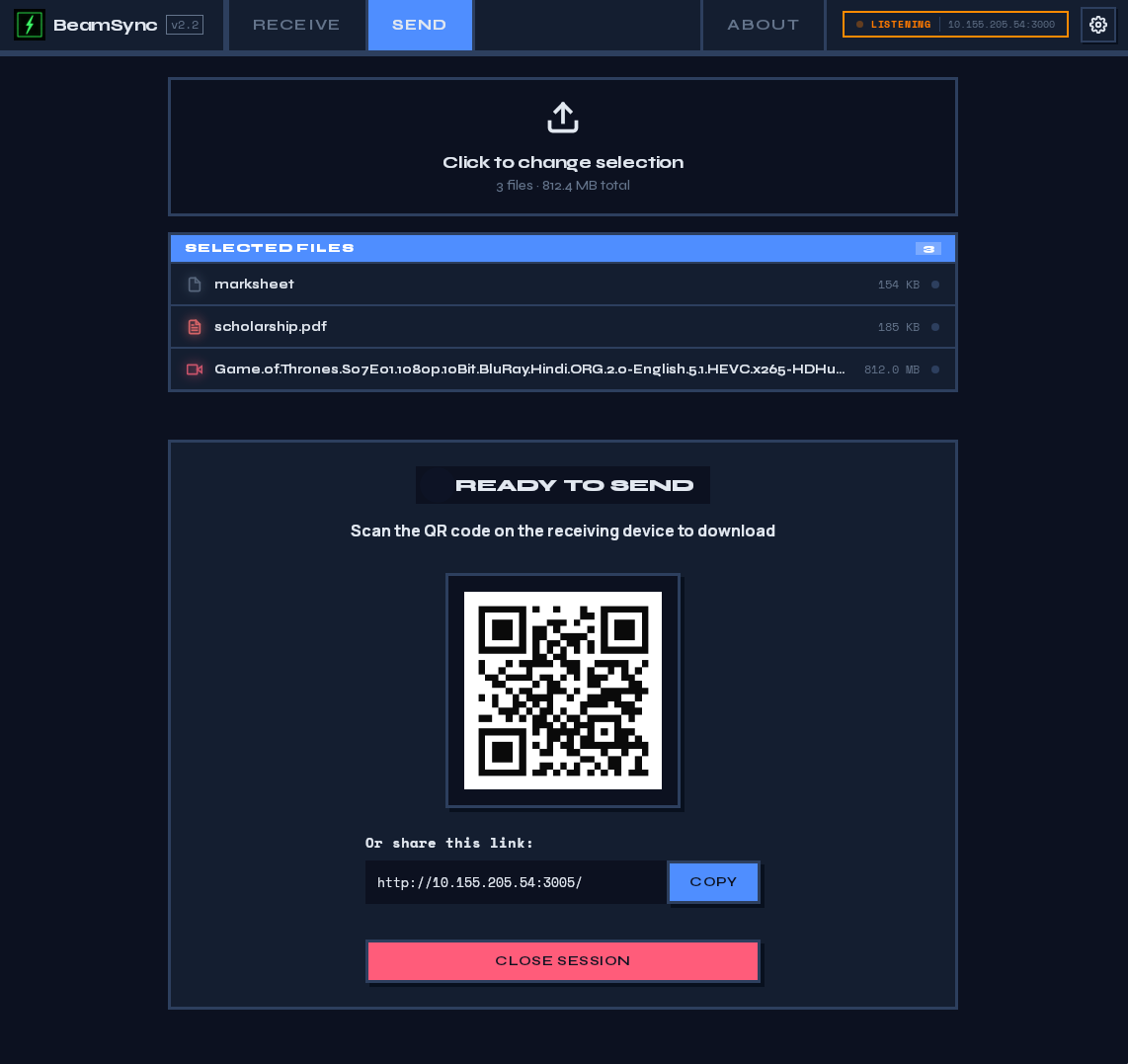
Selected desktop files cascade in a staggered entrance animation. Mobile download view populates a dedicated DOWNLOADED FILES section live as downloads complete.

Design

🎨 Rich Iconography

Dynamic, color-coded SVG icons for dozens of types — code, video, images, scripts, text, archives and more. Instant visual scanning.

Reliability

📄 X-Filename Header Fix

Backend now passes and respects the X-Filename HTTP header so the original filename is preserved correctly on every transfer — no more truncated or mangled names.

Accessibility

♿ prefers-reduced-motion

All animated elements — staggered lists, progress, carousel and waves — fully respect prefers-reduced-motion for inclusive motion handling.

Built for Speed.
Designed for Privacy.

Every feature built on one principle — your files never leave your network.

Core

High-Speed LAN Transfer

Streams files directly over HTTP on your local network. Throughput limited only by your hardware — gigabit speeds achievable with zero configuration.

0 MB/s ~1 Gbps (LAN limit)
Privacy

Fully Offline

Works without any internet connection. Data never leaves your local network — ever.

Connect

QR Code Connect

Connect any mobile device instantly by scanning a QR code. No app install required on the phone.

UX

Drag & Drop

Drop files directly onto the window to begin transfer immediately. No dialogs.

Smart

Smart Networking

Auto-detects optimal local IP, finds open ports, configures Linux firewall rules automatically.

Audio

Auditory Feedback

Integrated AudioEngine provides real-time interaction sounds. Respects prefers-reduced-motion for accessibility.

New in v2.5.0

Secure Token Rotation

QR credentials auto-rotate every ~4.5 min via url_changed / token_rotated events. Previous QRs revoked instantly. Active transfers defer rotation — stream stays alive.

New in v2.5.0

Rich File Intelligence

Color-coded SVG icons for dozens of types — code, video, images, scripts, archives — plus intelligent staggered file lists and a live DOWNLOADED FILES lane on mobile.

Three Steps.
That's It.

No configuration. No wizard. Open and go.

01

Launch BeamSync

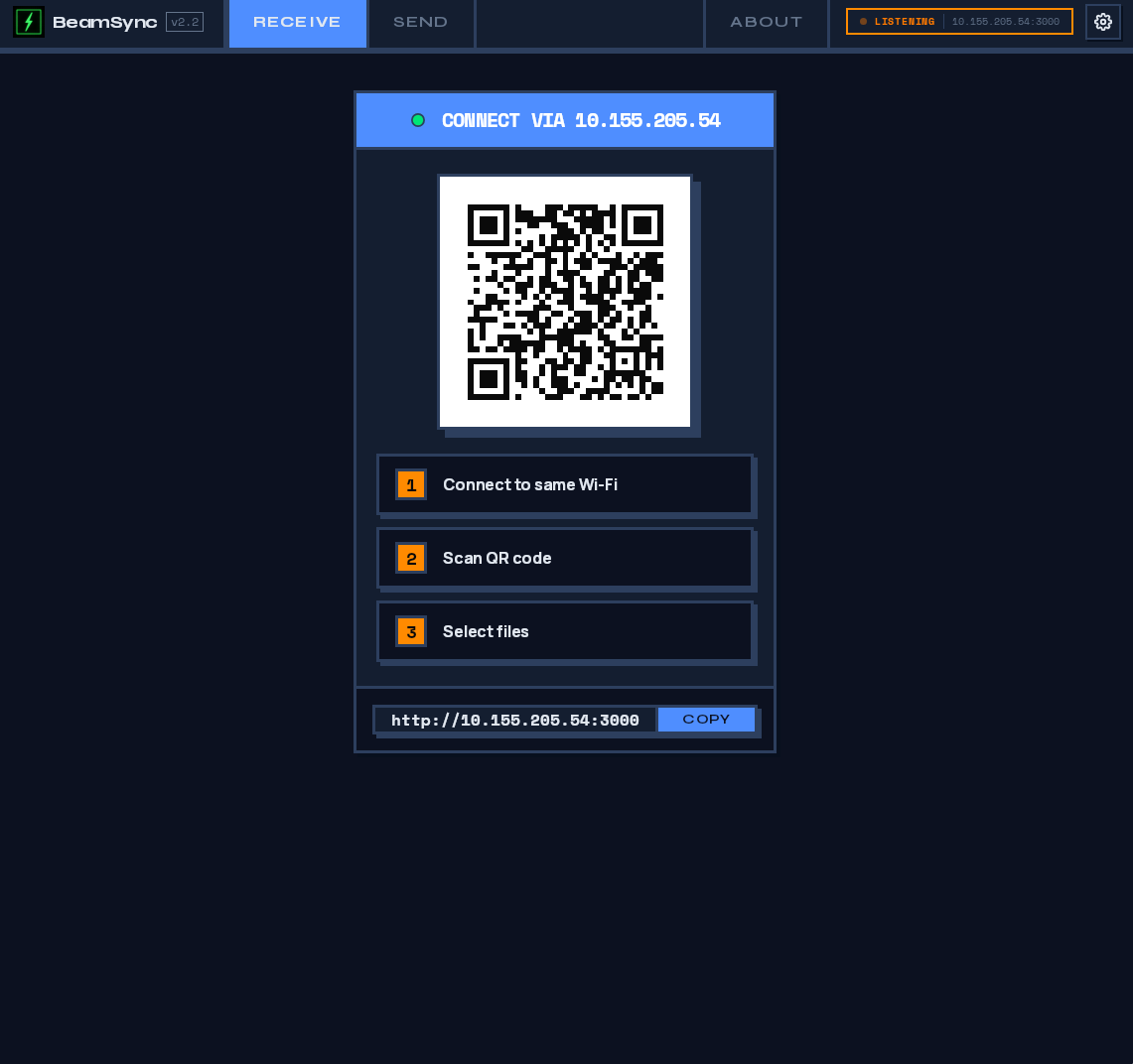
Open the desktop app. A QR code and URL appear instantly — no configuration needed.

02

Scan or Visit

On the receiving device, scan the QR or visit the URL. Works in any browser — mobile or desktop.

03

Transfer & Done

Drag files to send, or download directly. Files saved to Downloads/BeamSync/.

See BeamSync.
Feel the Speed.

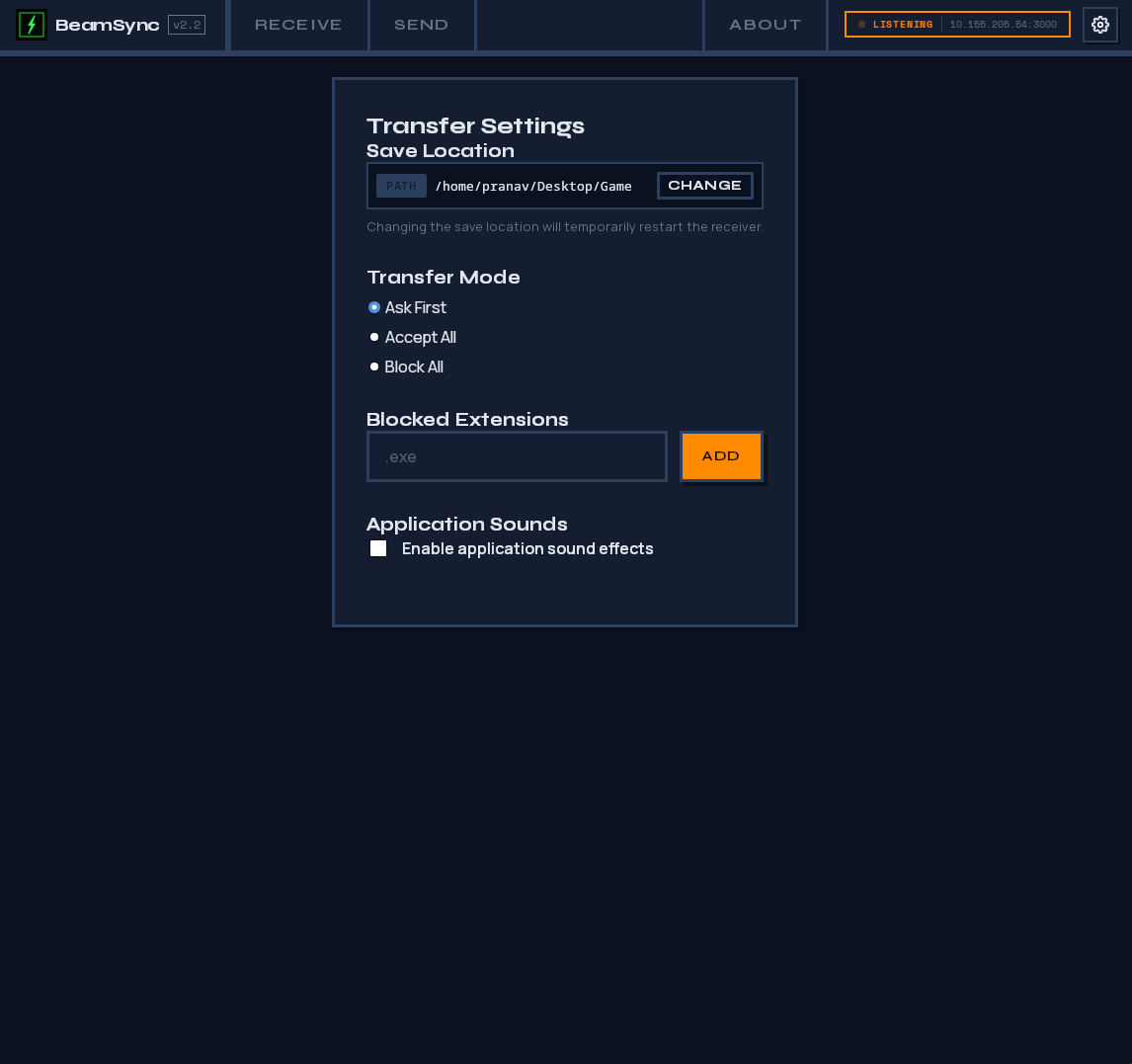
Real screenshots from the desktop app — no mockups, no filters.

Engineered for
Performance.

Built with Go net/http — direct LAN streaming with zero dependencies on the receiving end.

beamsync — architecture ● Go + Svelte + Wails v2
01
Frontend Layer
Svelte Vite

Reactive UI · drag-and-drop interface · QR code display · transfer progress

Wails IPC Bridge · EventsOn / EventsEmit
02
Application Shell
Go Wails v2

App · loadConfig() · saveConfig() · configPath() · event bridge · lifecycle

Go net/http · direct LAN stream
03
Network Engine
Go net/http

StartServer() · StartSender() · writeFileToDisk() · copyChunked() · concurrent I/O

OS / syscall layer
04
Utilities & I/O
Go

getLocalIP() · FindAvailablePort() · RunFirewallSetup() · AudioEngine · TransferSettings

v2.5.0 · HMAC token rotation · activeUploads watchdog · 30-min download tokens
05
Security & Stability — New in v2.5.0
HMAC watchdog

url_changed · token_rotated events · activeUploads guard server.go:600 · 5→30 min download token · heartbeat 401/403 guard — QR revokes previous, live refresh, no manual reload

Windows macOS · Linux
Gbps LAN Transfer Speed
Zero Cloud Dependencies

Install in Seconds.

Available on Arch Linux (AUR) and as pre-built binaries for all platforms. See what's new in v2.5.0 →

Arch Linux (AUR)
yay -S beamsync-bin
Build from Source
git clone github.com/PranavAgarkar07/BeamSync